Publica integration is the process of connecting your CTV inventory with the Publica platform, which is a CTV ad server designed to help publishers manage and monetize their video ad inventory. This guide provides step-by-step instructions for connecting your CTV inventory with InMobi via Publica. It lets publishers streamline their CTV ad operations and maximize yield by connecting with demand partners and managing ad decision-making in a flexible and transparent way.
Before starting the integration, ensure you have:
To set up your account and inventory on the InMobi Publisher Dashboard, follow these steps:
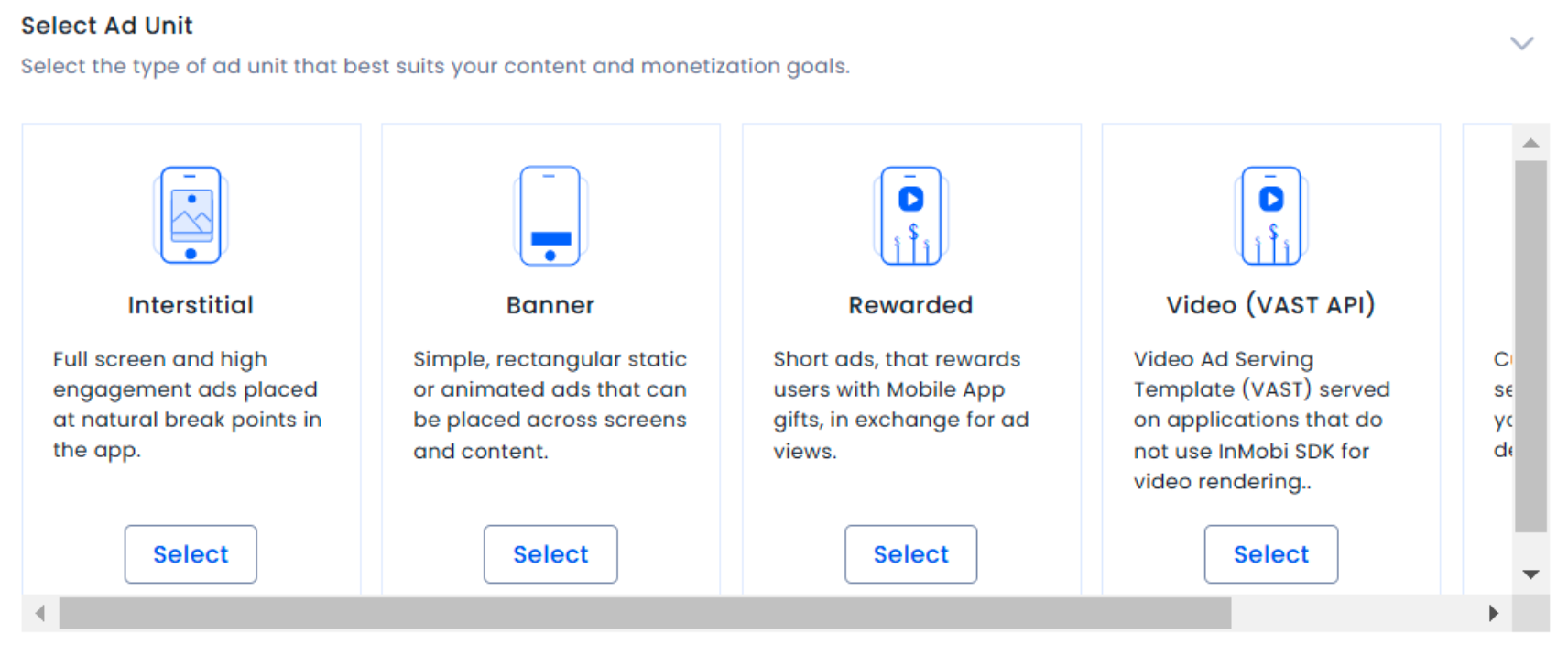
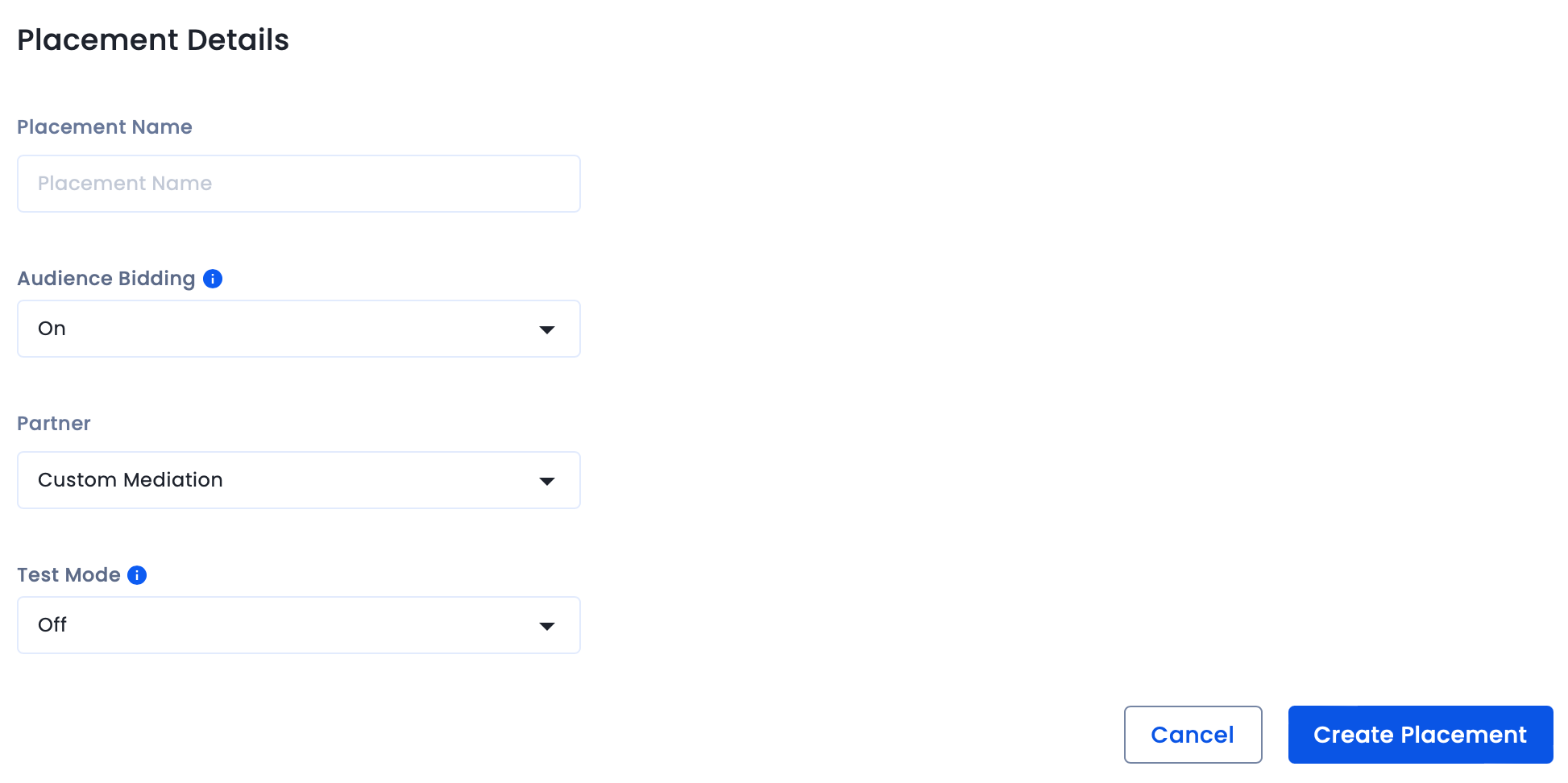
To map the InMobi placements,

For further assistance, Contact Us.
By installing this SDK update, you agree that your Children Privacy Compliance setting remains accurate or that you will update that setting, whenever there is a change in your app's audience. You may update the app's Children Privacy Compliance settings at https://publisher.inmobi.com/my-inventory/app-and-placements.
 Support Center


