On Ad exchanges, InMobi DSP supports all popular mobile in-app ad formats. You can buy the following ad formats through InMobi DSP on ad exchange inventories:
Display ads are static or animated images with standard dimensions. InMobi DSP supports the following sizes: Small banners, Medium banners, Interstitials, and Native Display.
Small banners are small-sized rectangular ads placed at the top, between paragraphs, and at the bottom of an article or a page. They are nonintrusive, cost-effective, frequent, contextual, and efficient formats that can reach a wider audience with minimal loading time and precise measurement.
The specifications of small banners are:

Medium banners are rectangular ads of medium size. These ads can be placed between the content, loading page, reward pages, etc. They are nonintrusive, cost-effective, frequent, contextual, and efficient formats that can reach a wider audience with minimal loading time and precise measurement.
The specifications of small banners are:

Interstitials are rectangular ads that cover the screen on which they are displayed. These are high-impact ads. The specifications of interstitials are:
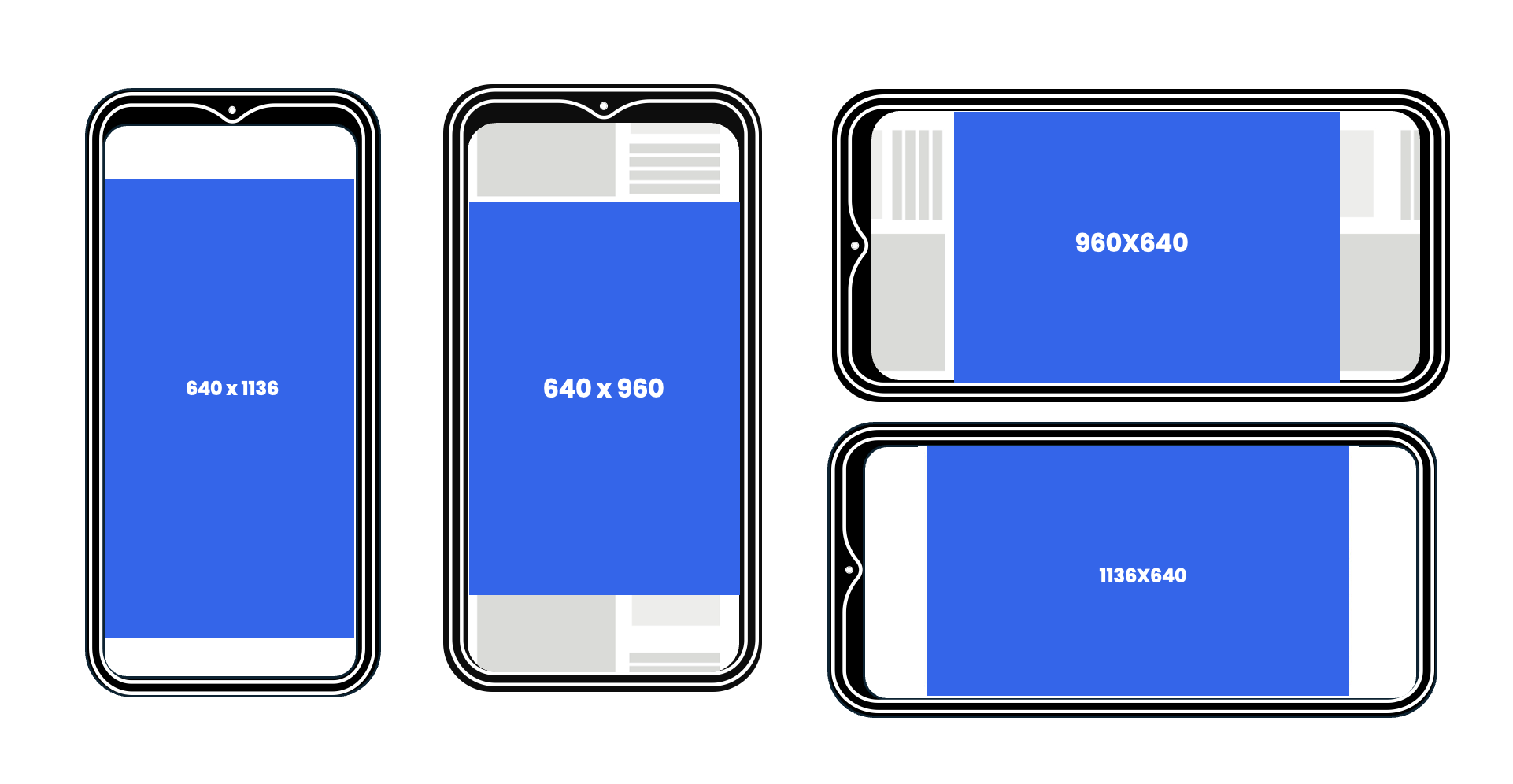
Refer to the InMobi Ads Creative Handbook for creative references.
Native ads blend in with the content on which they appear, providing a more seamless and less intrusive user experience. These ads mimic the look, feel, and function of the media format in which they are seen, such as articles, videos, or other media. These ads offer higher engagement rates, improved CTRs, stronger brand affinity, reduced ad fatigue, and better ad rendering, along with contextual and personalized targeting.
There are three types of native: Rich display, Rich video, and Icons.
These are medium rectangle, fullscreen portrait, and wide rectangle ads. You can provide the ad creatives for the rich display ads based on the following specifications:
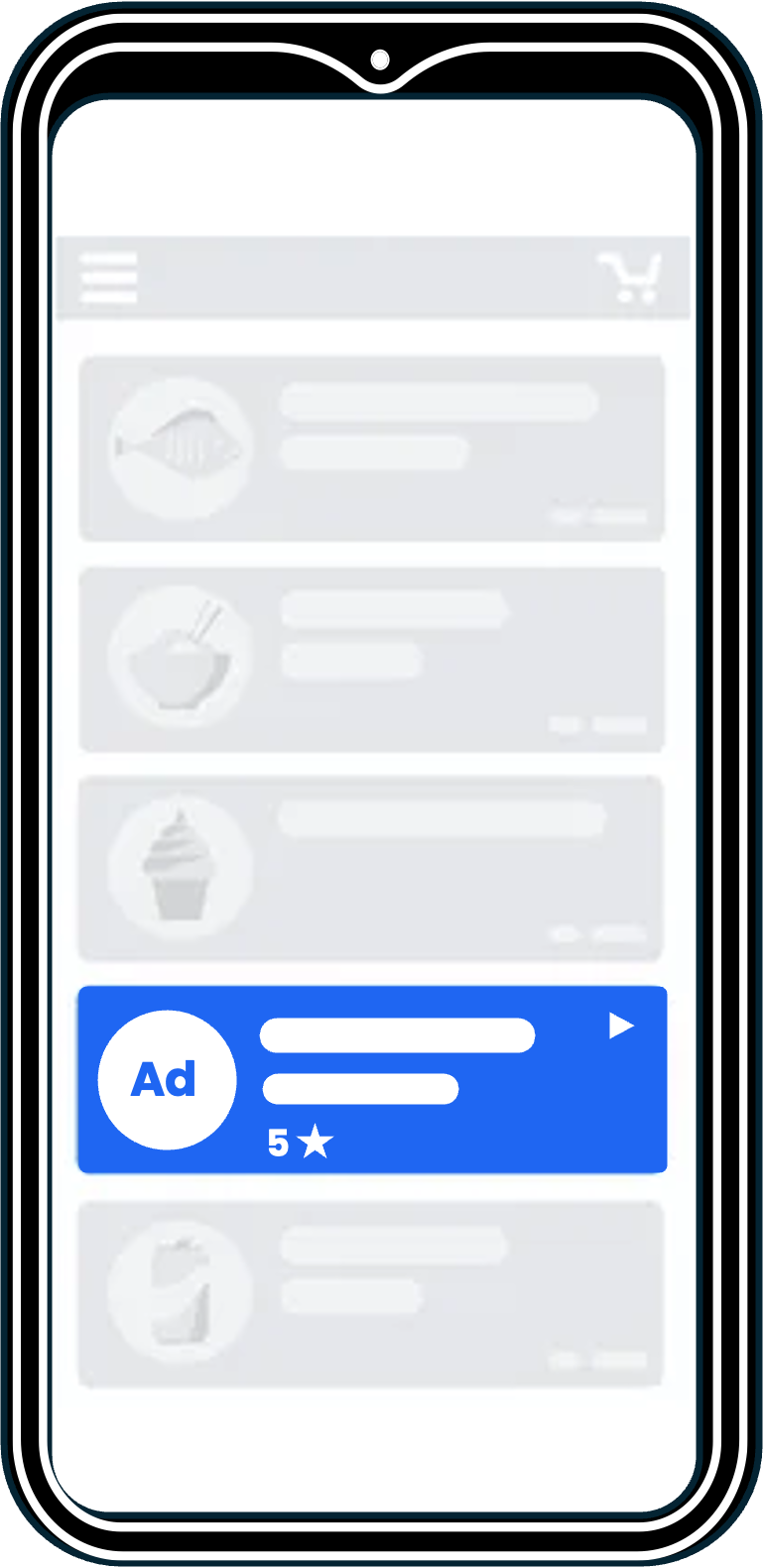
These are medium rectangle, full-screen portrait, and wide rectangle video ads. You can provide the ad creatives for the rich video ads based on the following specifications:
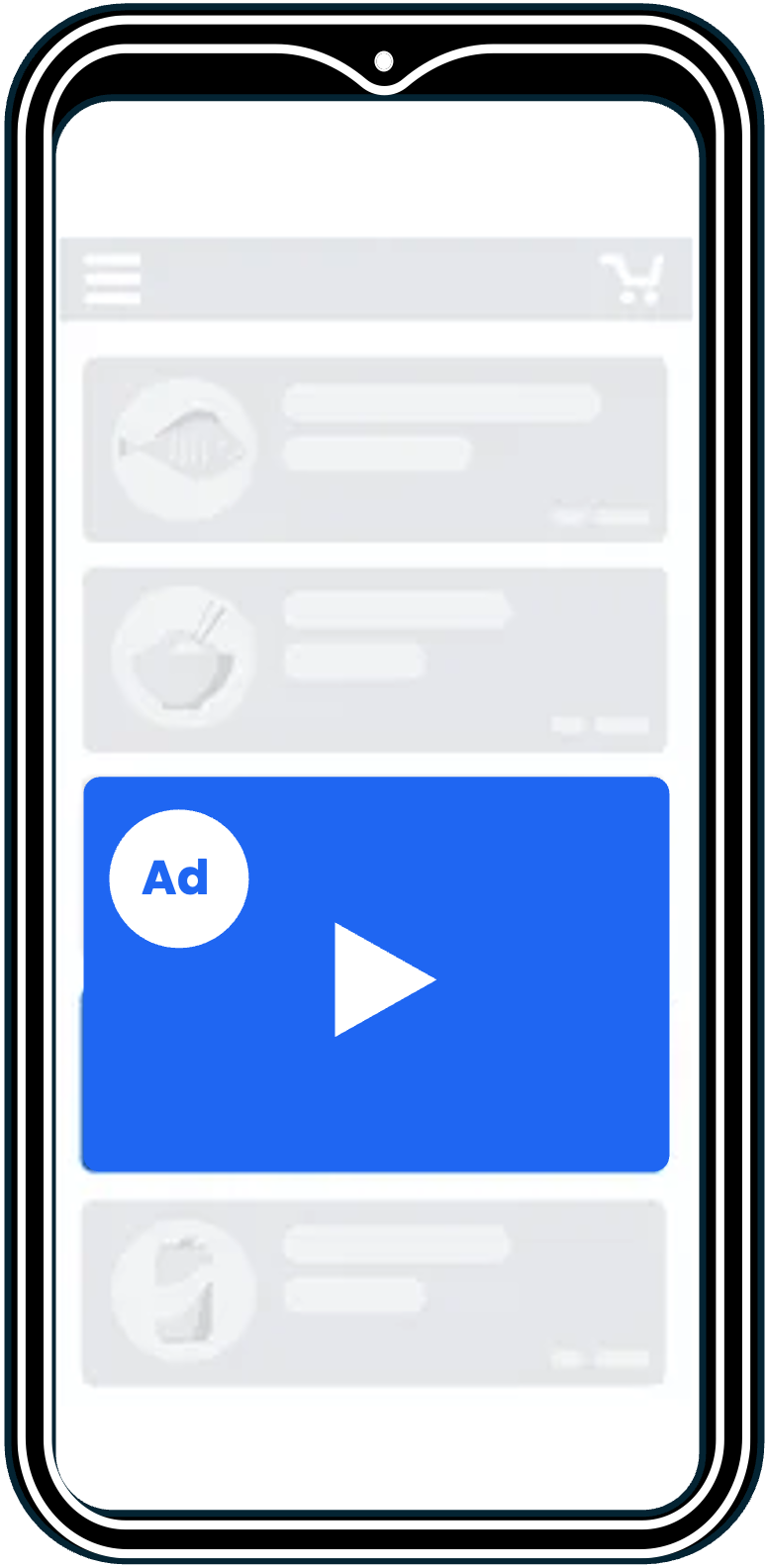
Icon ads in mobile apps are small, square-shaped, visually appealing ads typically displayed as icons within the app interface. These often appear in menus, navigation bars, or as part of a feed. You can provide the ad creatives for the icon ads based on the following specifications:

Refer to the InMobi Ads Creative Handbook for creative references.
Video ads with end cards are short video ads displayed over the content or a page and followed by a static or animated display CTA card. The specifications of video ads are:
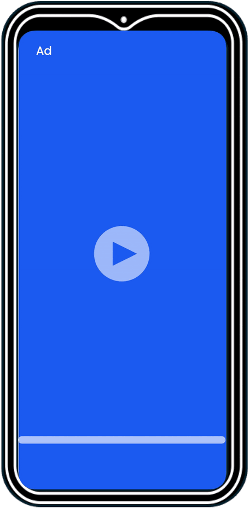
The end cards are mandatory for video ads.
Refer to the InMobi Ads Creative Handbook for creative references.
Playable ads are interactive micro-game formats that allow users to engage with a game or app preview directly within the ad unit. Once the experience ends, users can tap the Call-to-Action (CTA) to install the app. These ads are especially effective for gaming and consumer apps, but can also be adapted for other verticals to increase user engagement and conversion.
| Property | Value |
|---|---|
| Dimensions | Fullscreen (Portrait and Landscape) |
| Responsiveness | Responsive design recommended |
| Media format | HTML5 with JavaScript (JS) tags |
| Maximum File Size | 5 MB |
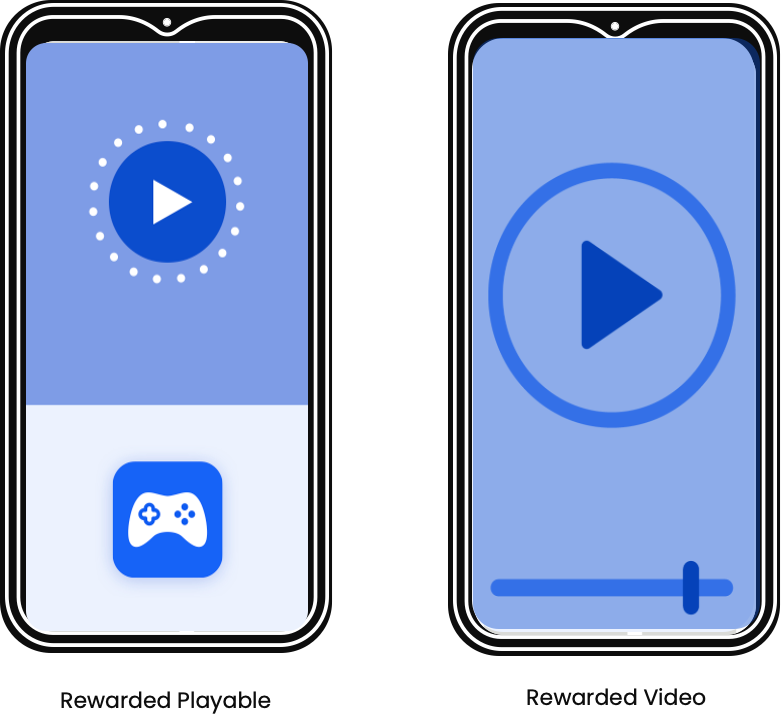
Playable ads follow the same technical requirements as Interactive End Cards (IECs). However, IECs are shown after a video, while playable ads function independently as standalone formats.
InMobi DSP supports multiple ingestion methods for playable creatives. You may choose from the following:

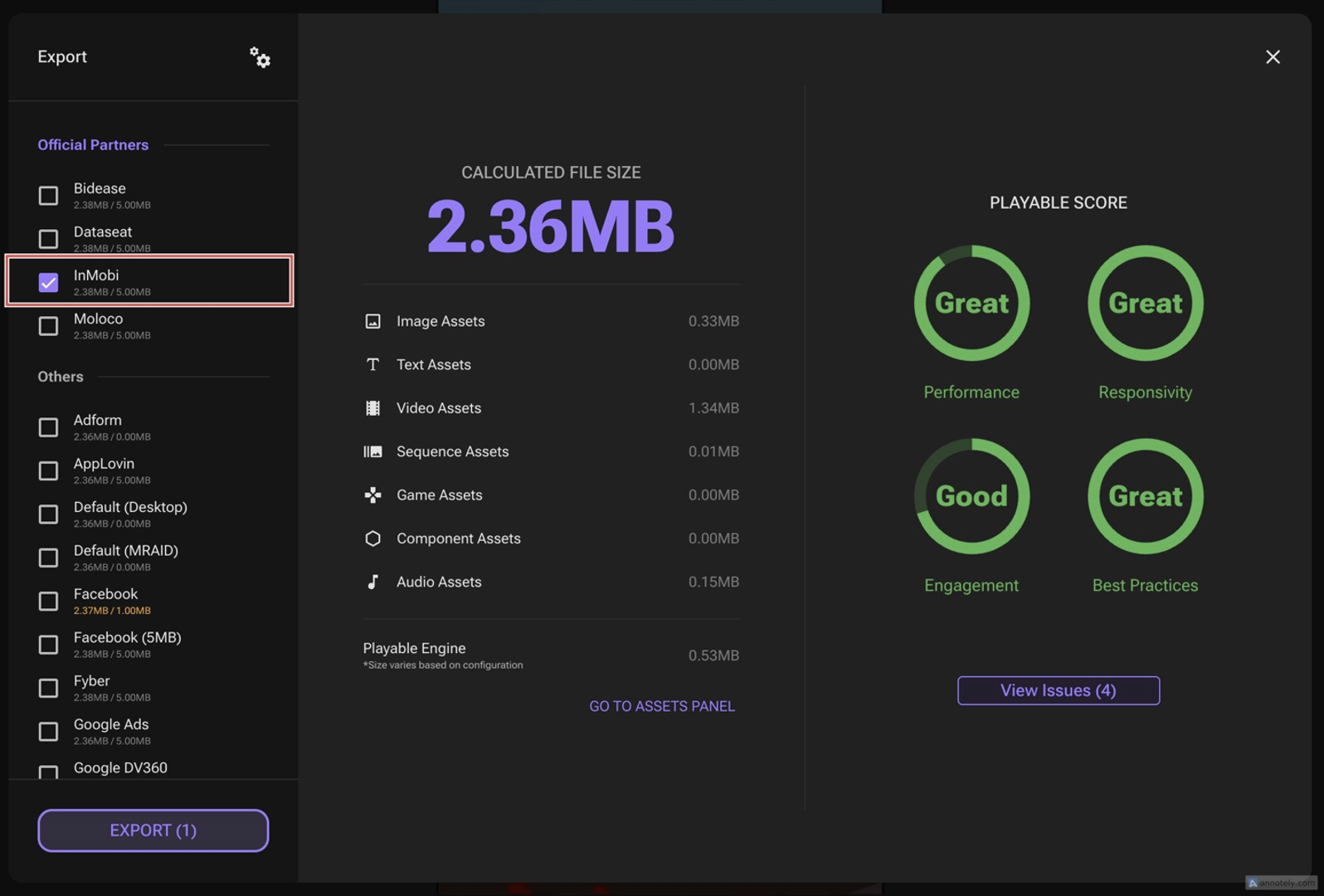
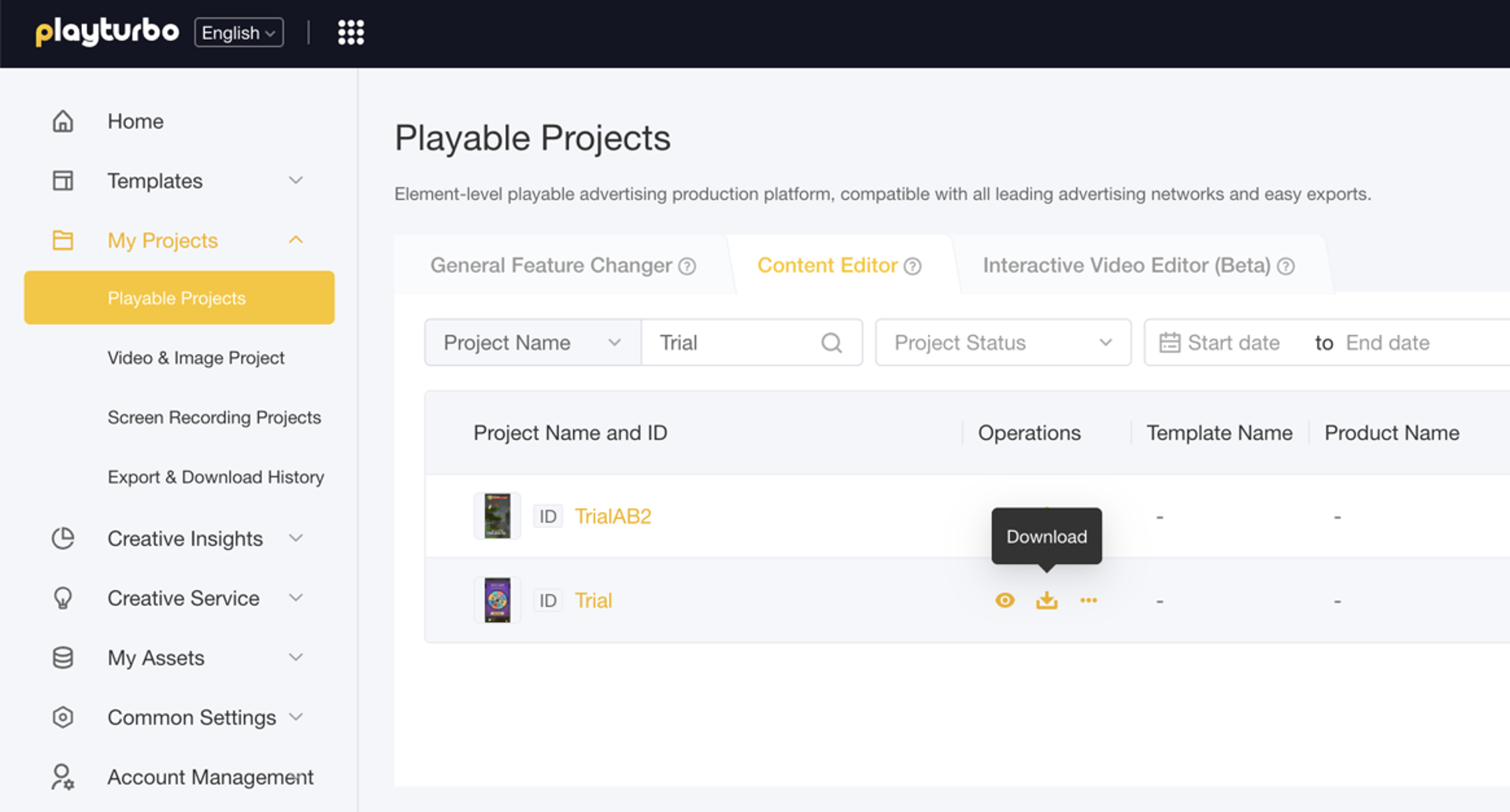
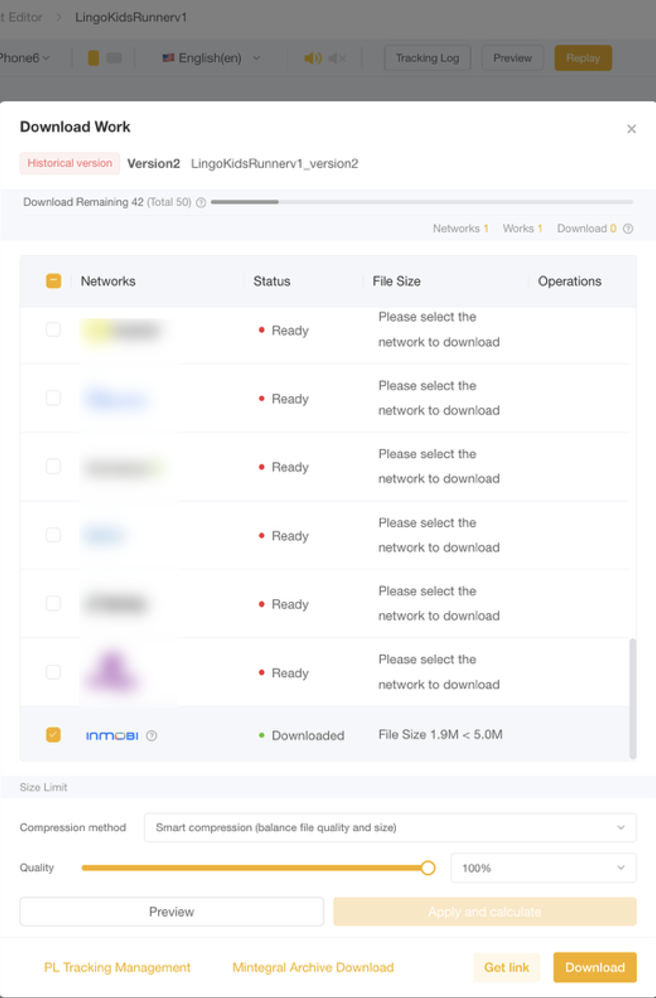
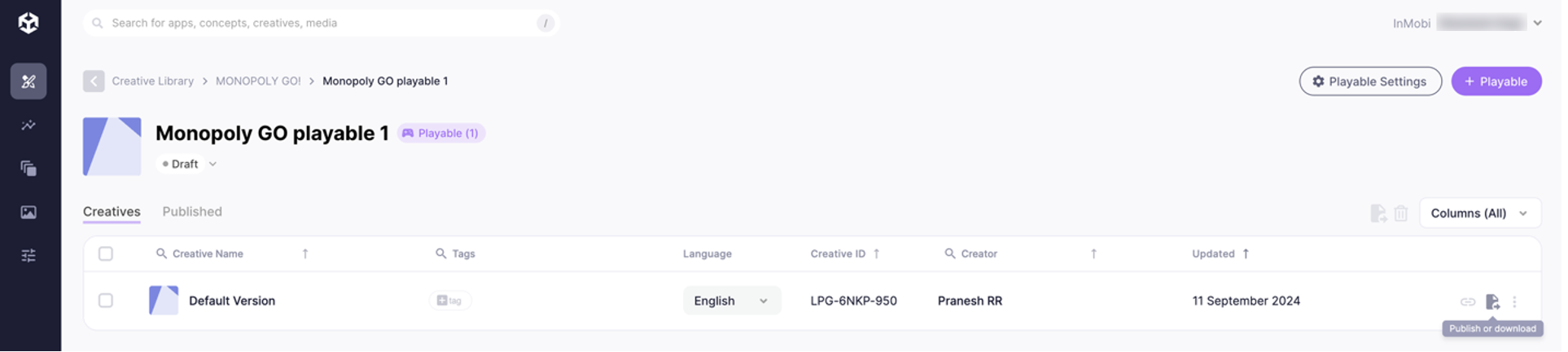
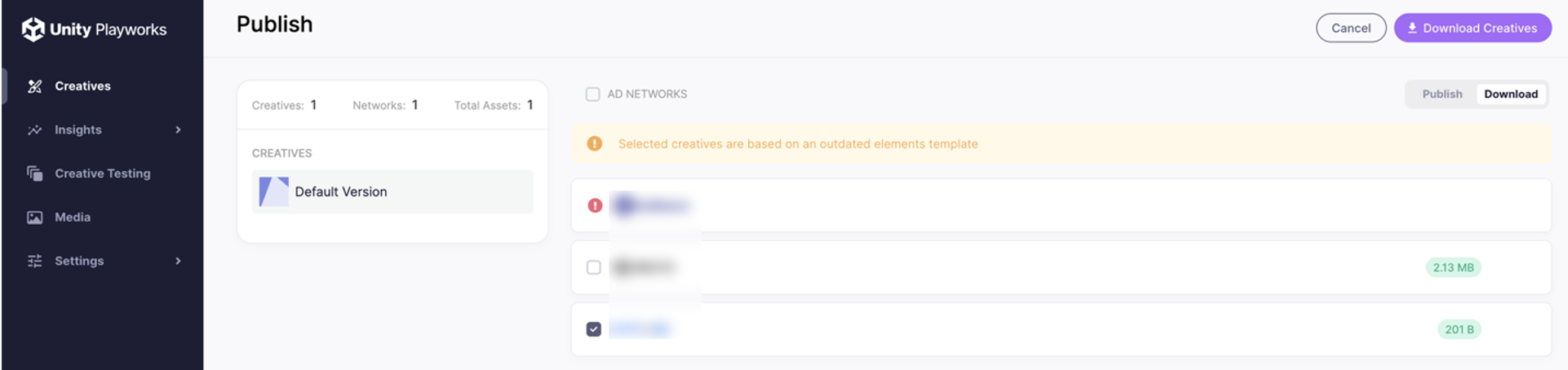
If you use a non-integrated third-party tool (e.g., Playable Factory), export the assets prepared for platforms like Facebook and share them with the InMobi team. The InMobi creative team will repurpose the assets to meet platform specifications.
Advertisers can also submit custom HTML5 playables using game engine output or code-based creatives.
index.html with all assets inlined (data-URI compressed).index.html and supporting assets in structured subfolders.Ensure the HTML is minified and optimized for machine reading.
| Requirement | Detail |
|---|---|
| MRAID Compatibility | Ad creatives must comply with MRAID 3.0. |
| Click Tracking | Use FbPlayableAd.onCTAClick() or $HTML_ESC_CLICK_URL as placeholders |
| Redirects | Use mraid.open(url) to route users to app stores |
| JS File Reference | Add <script src="mraid.js"></script> in the HTML <head> |
mraid.viewableChange event before initializing the playable experience.mraid.js within interactive end cards.Refer to the InMobi Ads Creative Handbook for creative references.
The important components of an ad unit are as follows:
Adhere to the following creative best practices to ensure the DSP campaign leverages high-quality ad creatives that drive user engagement and deliver effective results.
The ad content is the most critical element of an ad campaign, as it directly engages the audience, conveys the brand message, and drives user actions. Make sure you:
A clear call to action (CTA) directs users to what to do next, driving conversions and ensuring the ad achieves its intended goal.
Optimum video length and effective content benefit a video campaign by maximizing viewer engagement and completion rates, ensuring the message is effectively delivered within the audience's attention span.
Refer to the InMobi Ads Creative Handbook for creative references.
Refer to InMobi content guidelines to learn about what type of content you can run through ads.
By installing this SDK update, you agree that your Children Privacy Compliance setting remains accurate or that you will update that setting, whenever there is a change in your app's audience. You may update the app's Children Privacy Compliance settings at https://publisher.inmobi.com/my-inventory/app-and-placements.
 Support Center


