To sign up to InMobi CMP for free, follow these steps:
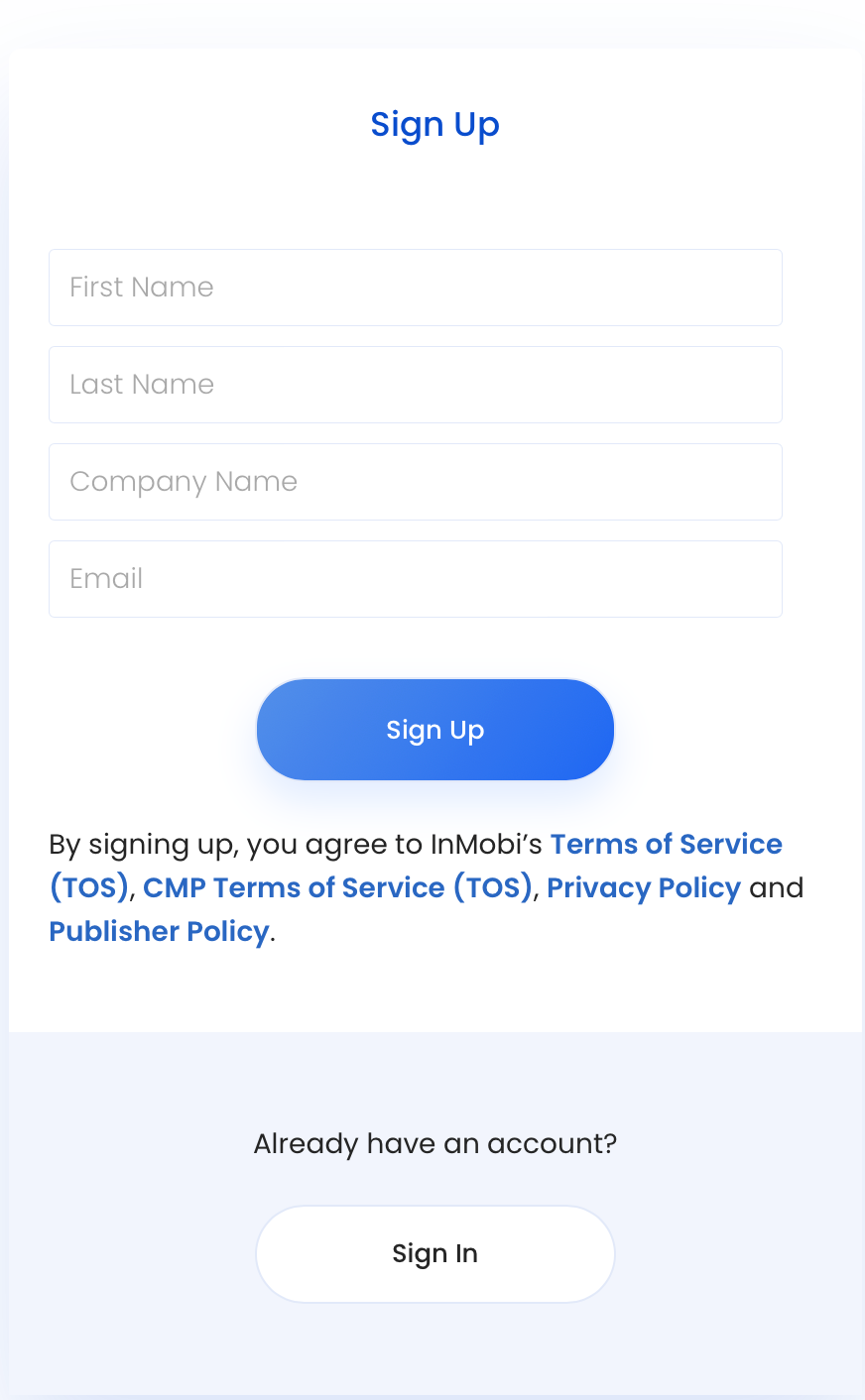
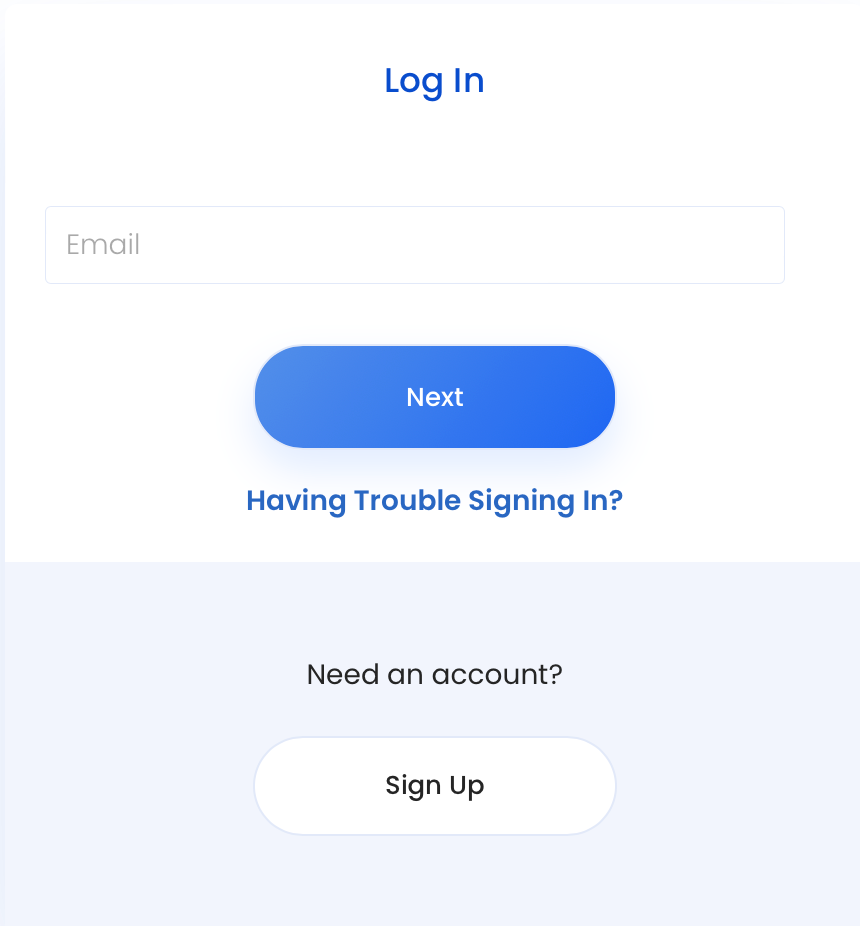
If you are an InMobi user, you can now use the same log in credentials to access all our products.
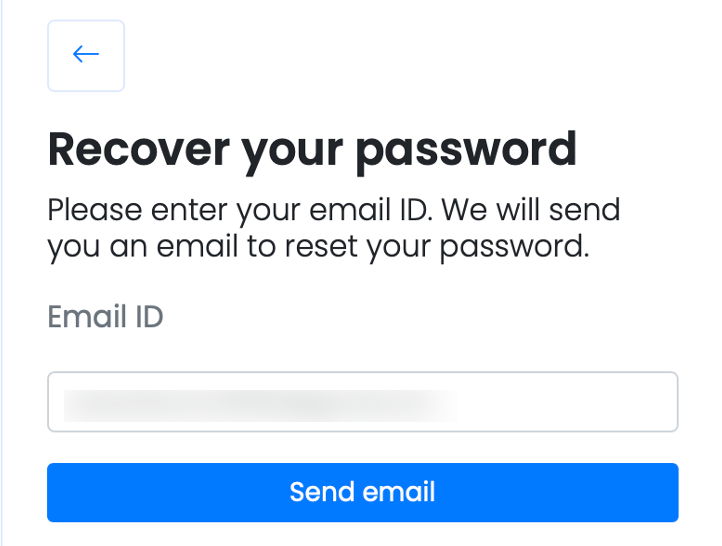
Your updated password will apply to all InMobi products.
You can now start protecting your app or site.
InMobi now offers the convenience of using single login credentials across its product suite. If you're an InMobi user, you can use the same email and password to log in to all InMobi products.
By installing this SDK update, you agree that your Children Privacy Compliance setting remains accurate or that you will update that setting, whenever there is a change in your app's audience. You may update the app's Children Privacy Compliance settings at https://publisher.inmobi.com/my-inventory/app-and-placements.
 Support Center


